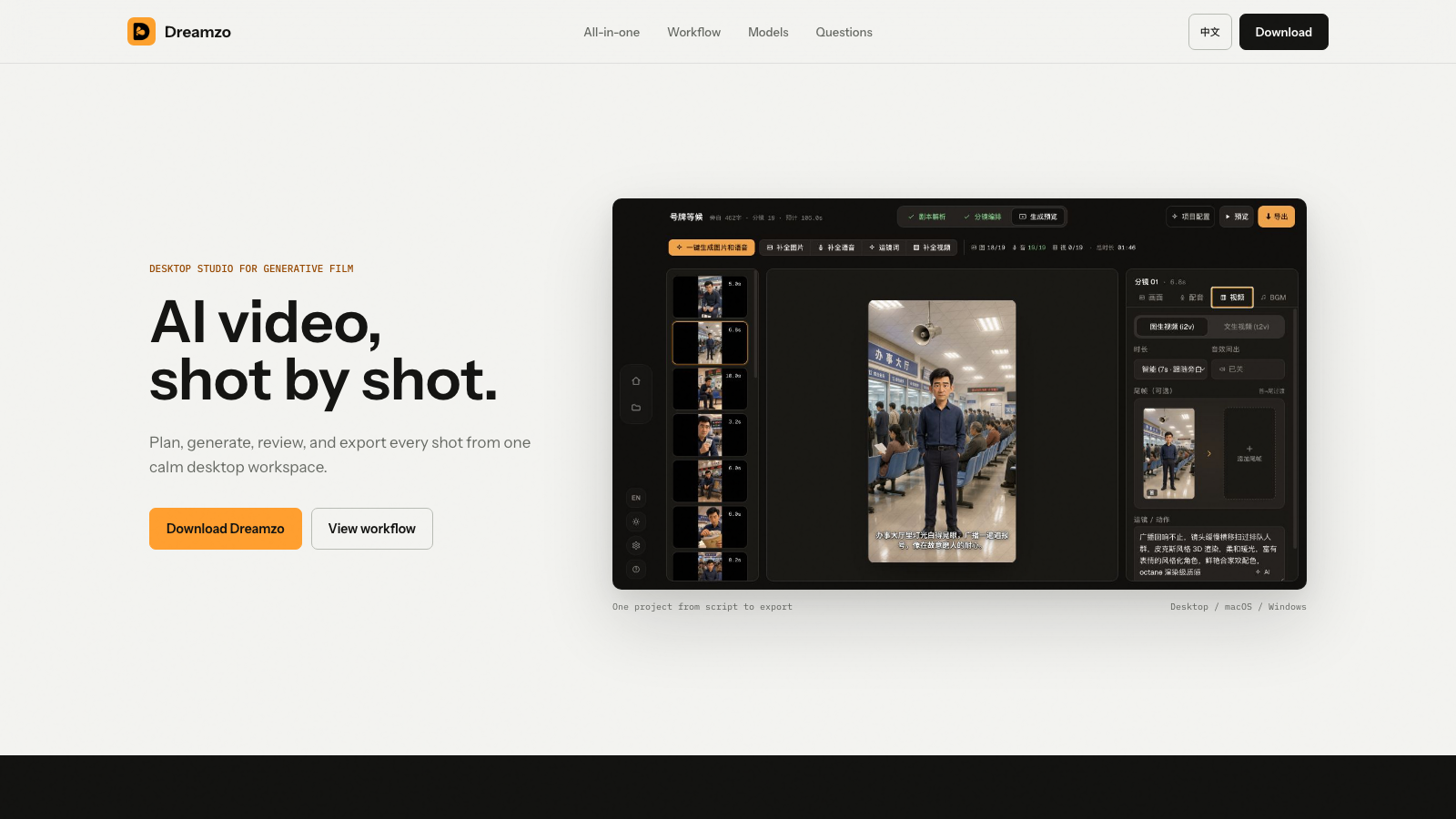
 01
Current direction
01
Current direction
Direction C
Precision workspace
The most refined product story: all-in-one speed, shot-level control, and configurable model routes.
 Craftale
Website direction archive
Each direction is a complete, deployable homepage built around the real Craftale product. Open any version to review its story, interaction, and visual system.
01
Current direction
Direction C
The most refined product story: all-in-one speed, shot-level control, and configurable model routes.
 02
02
Direction D
A warmer physical interface that makes a capable desktop tool feel direct and approachable.
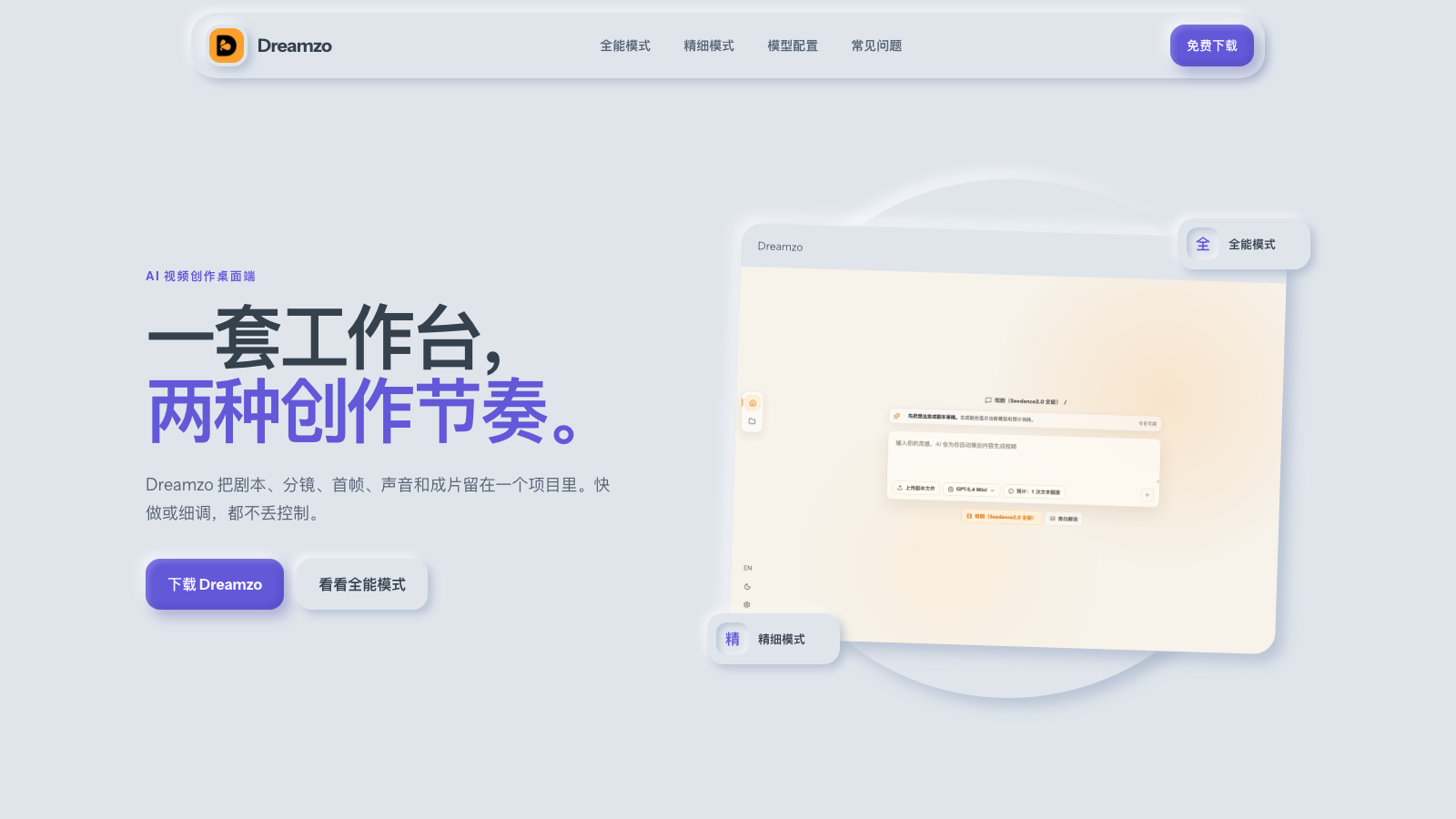 03
03
Direction E
A quiet, dimensional system built around Craftale's all-in-one and precision creation modes.
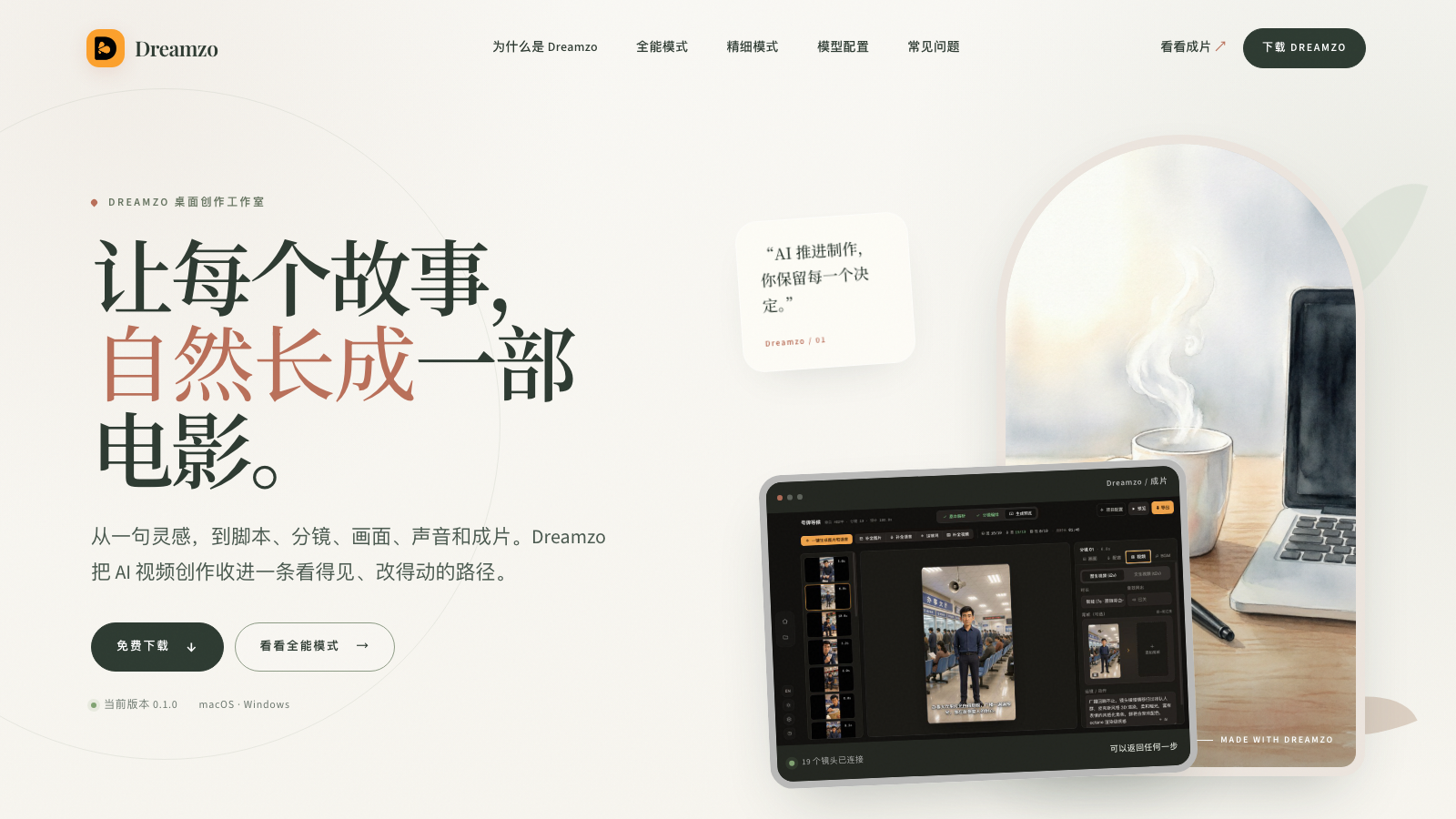 04
04
Direction F
A crafted Chinese editorial direction where stories feel grown, shaped, and kept alive.
Recommended starting point
It carries the clearest product hierarchy, the correct all-in-one workflow, a bilingual interface, and the most complete motion system.