Desktop studio for generative film
AI video,
shot by shot.
Plan, generate, review, and export every shot from one calm desktop workspace.
All-in-one / Seedance 2.0
One idea.
Three production stages.
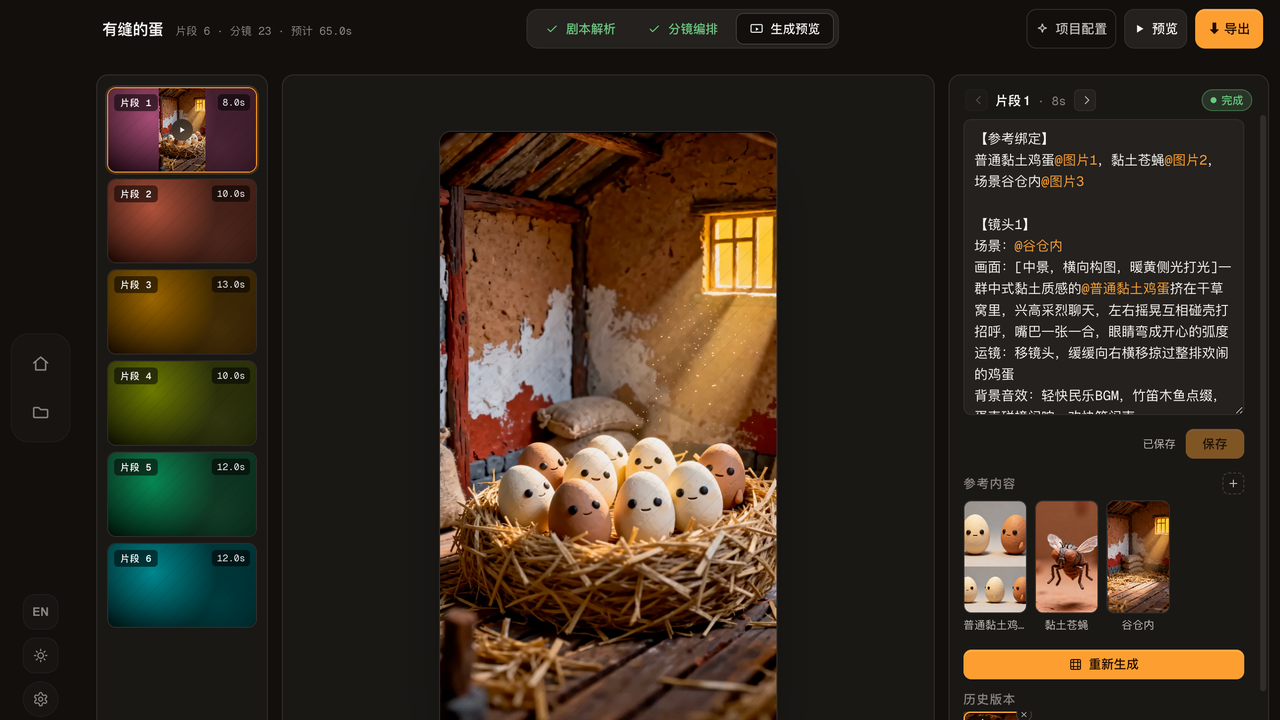
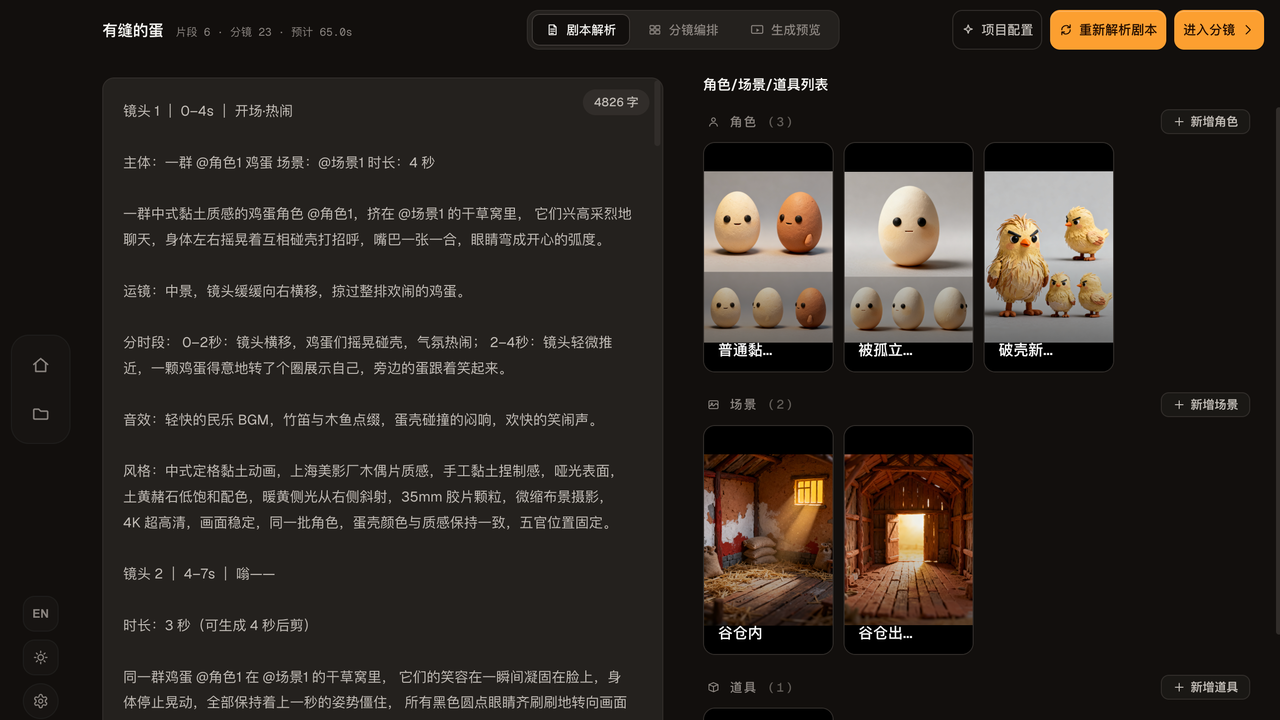
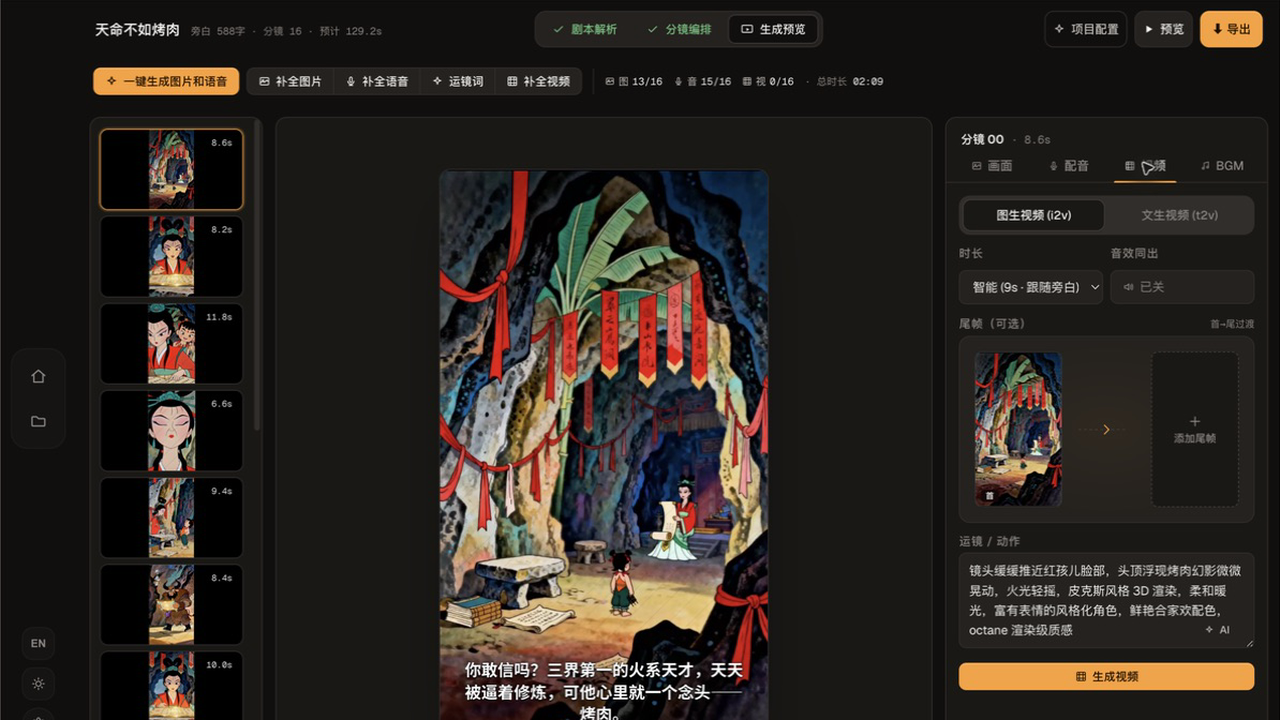
After the initial script discussion, Craftale analyzes the project, arranges the scenes, then generates audiovisual previews with Seedance 2.0.
Finish the cut. Keep the project.
Review the final clip while every frame, voice, and generation state remains available to revisit.
Review the result in context, then retry only the clip that needs a more precise reference.
Get the desktop appYour production stays visible.
Move from an idea to a finished sequence without losing the decisions behind any shot.
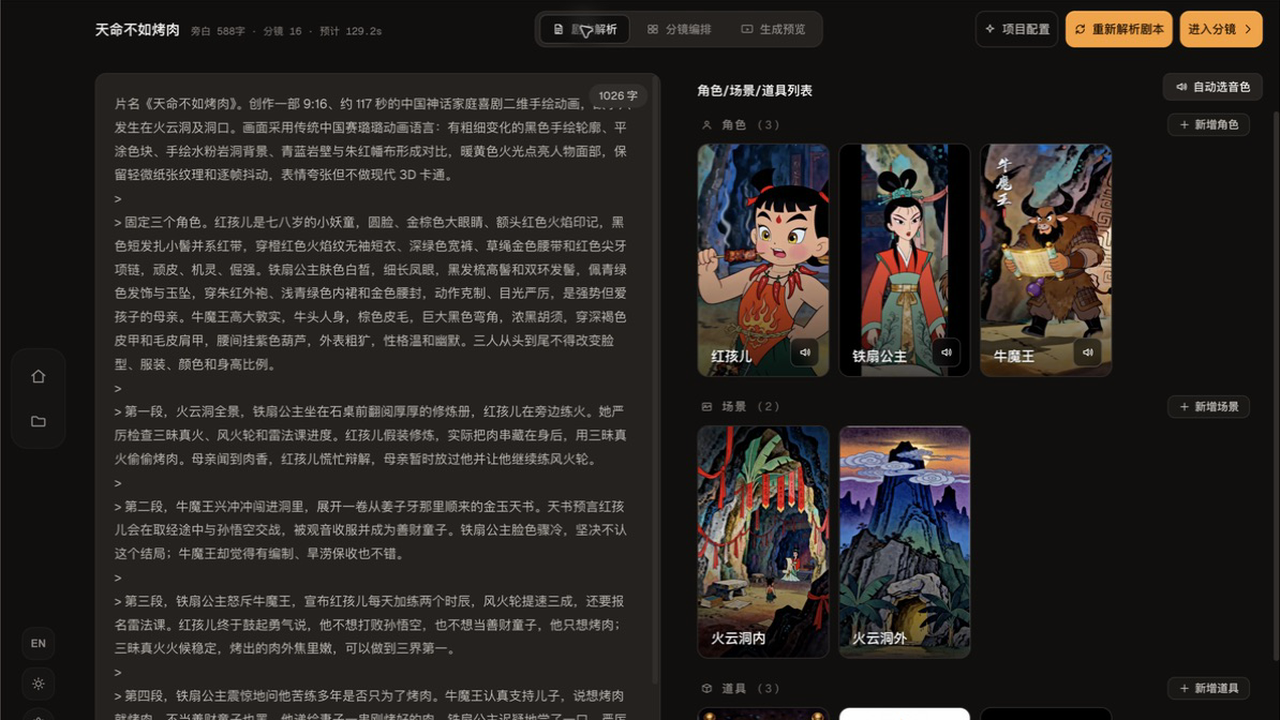
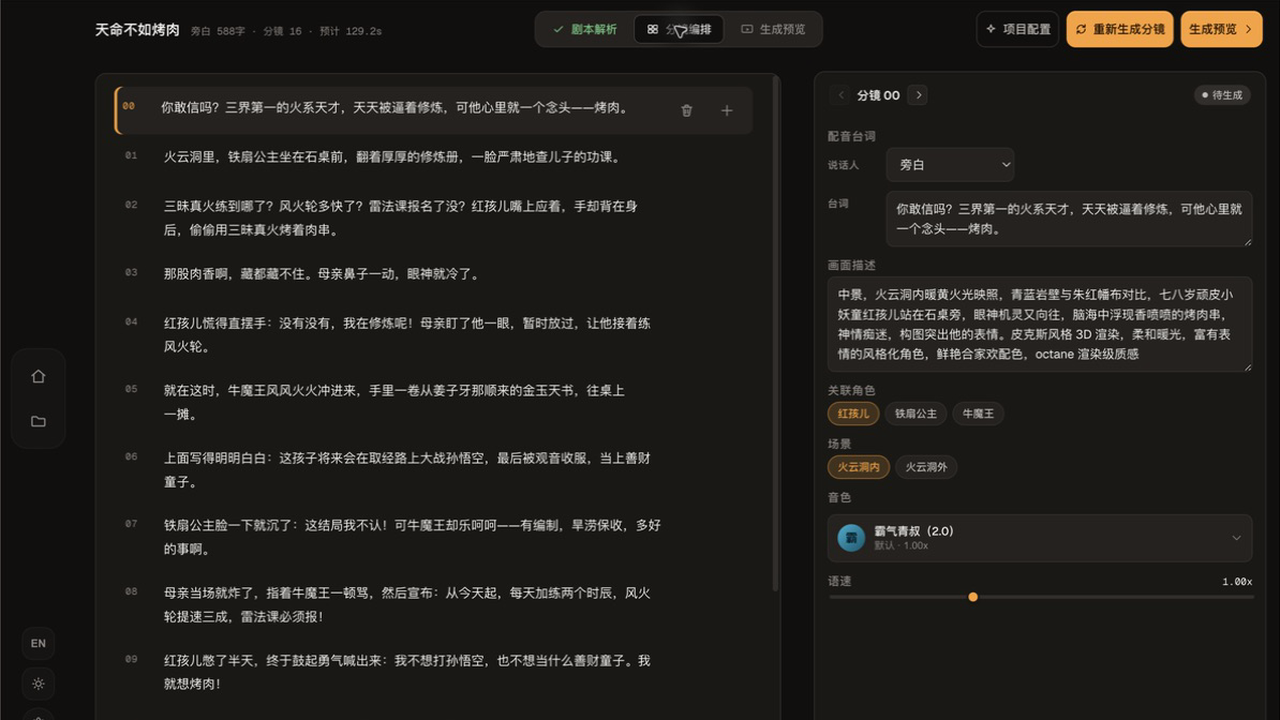
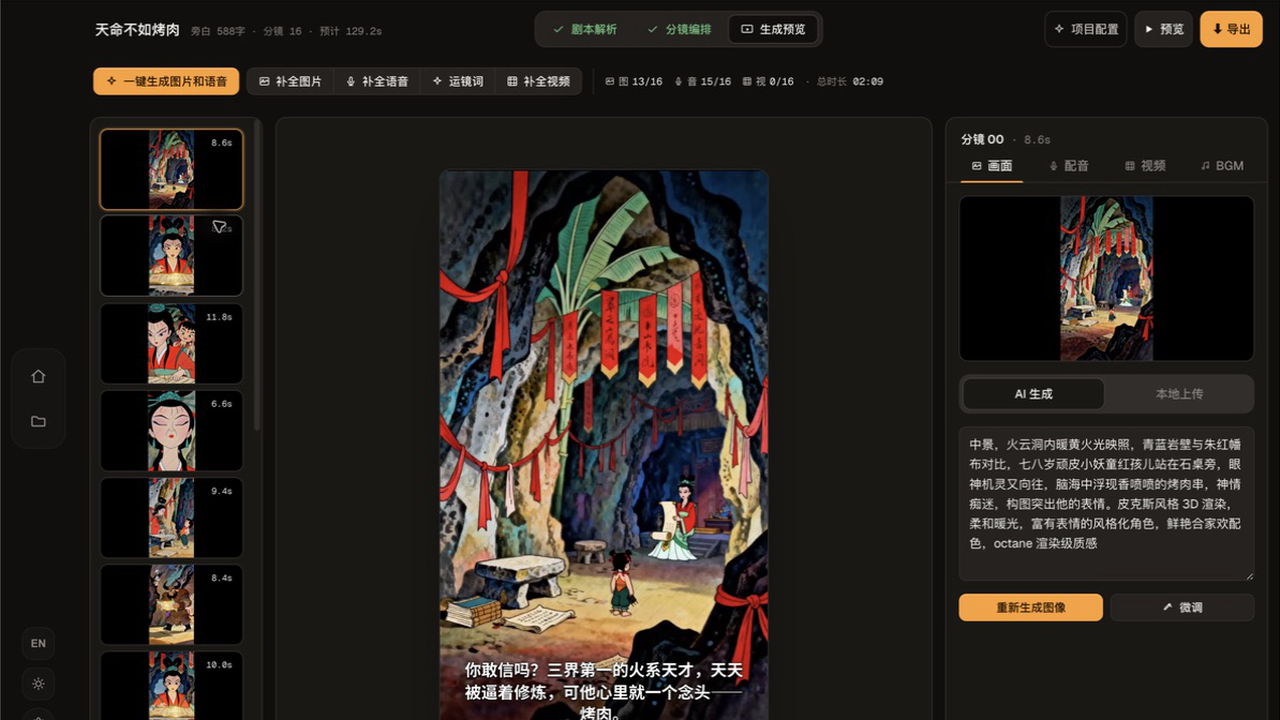
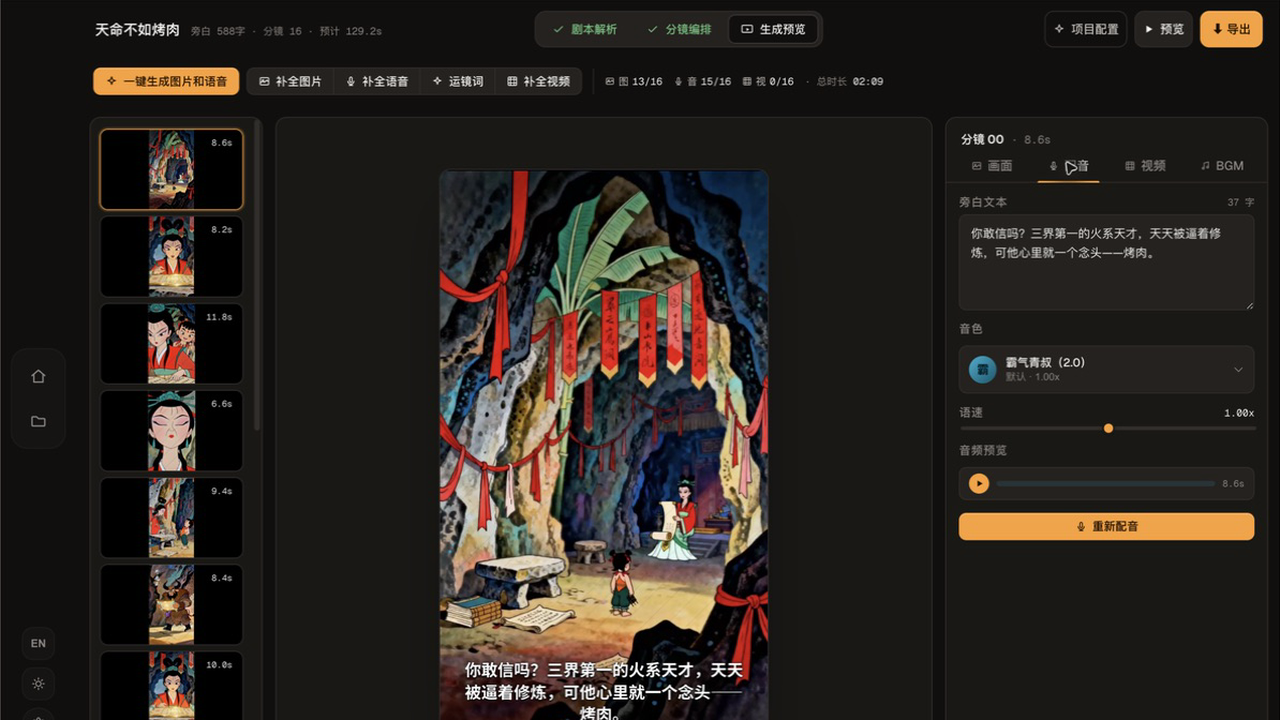
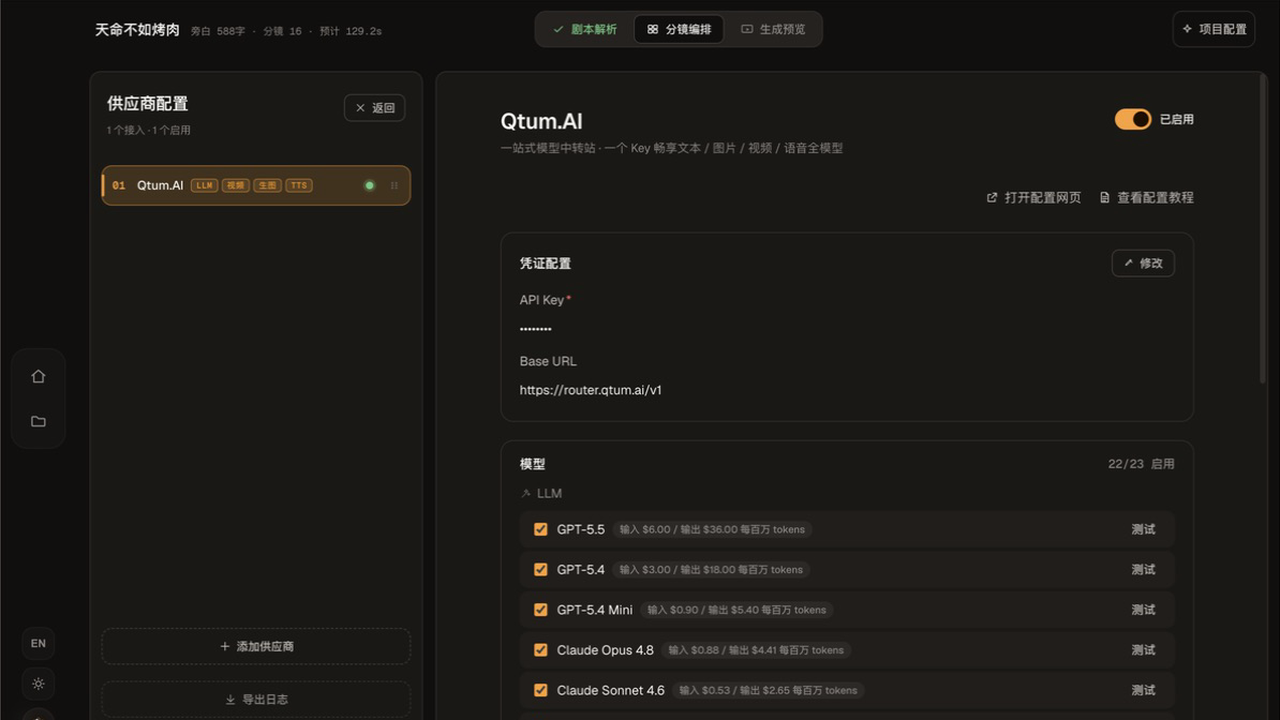
Use the right model at each step.
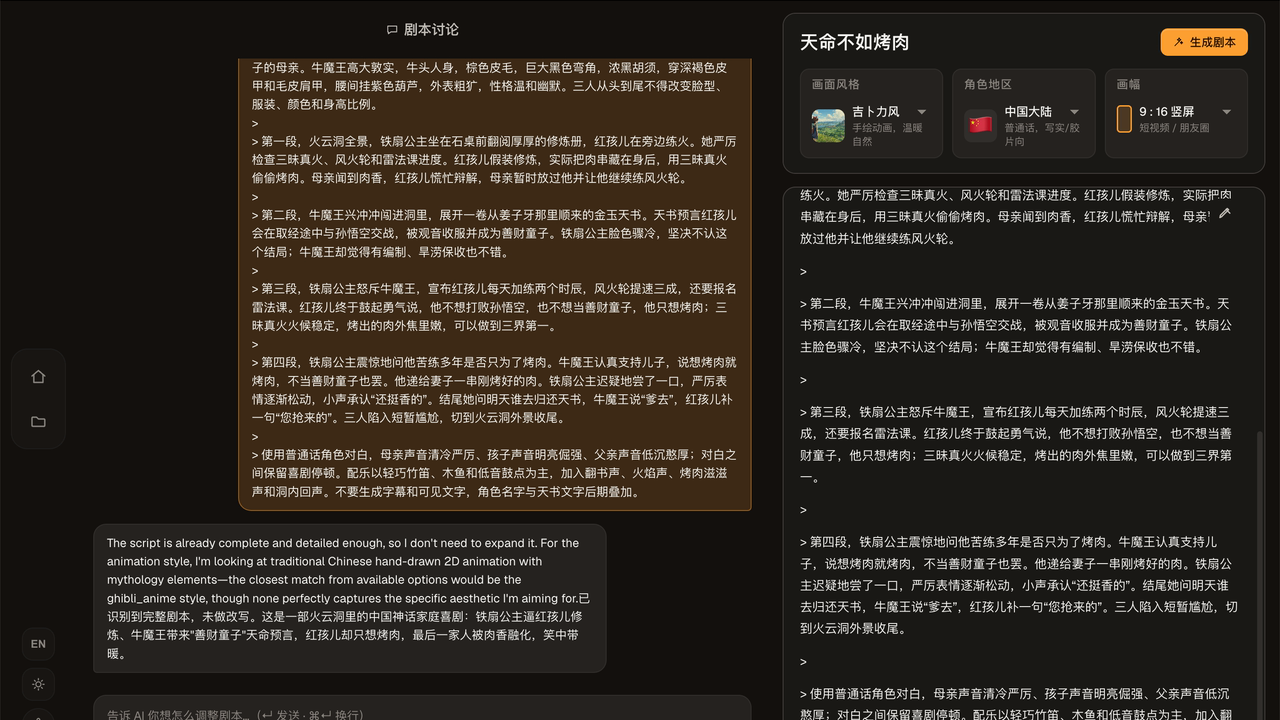
Connect providers once. Craftale keeps every route visible, editable, and attached to the project.
Shape the script and shot plan before visuals move forward.
A few things to know.
Craftale is built for real desktop production, not a one-shot prompt box.
Can I use different models for text, image, video, and voice?
Yes. Each route can use the provider that fits the job while the project stays connected.
What happens when one shot fails?
Return to that shot and regenerate only what needs attention. The rest of the sequence stays intact.
Do I need my own model service accounts?
Craftale connects to the providers you configure. Usage and billing remain with those services.
Download Craftale.
Choose the installer for your machine and start the next project on your desktop.
Latest release · 0.1.1